
How I moved my team of bots onto Grok Bot and a small office PC
Monday 9 November 2026 · Garry McEwen
In short: I kept my thinking assistants on Grok Bot and moved the routine bots onto a small PC in the office. Every bot was backed up first, each one only does the jobs on its list, and every step can be undone in minutes.
The idea
I run Once, Not Twice, right here in Bury. I build automations for small businesses, helping owners get their time back. Lately, I've been rethinking how my own team of assistants is set up.
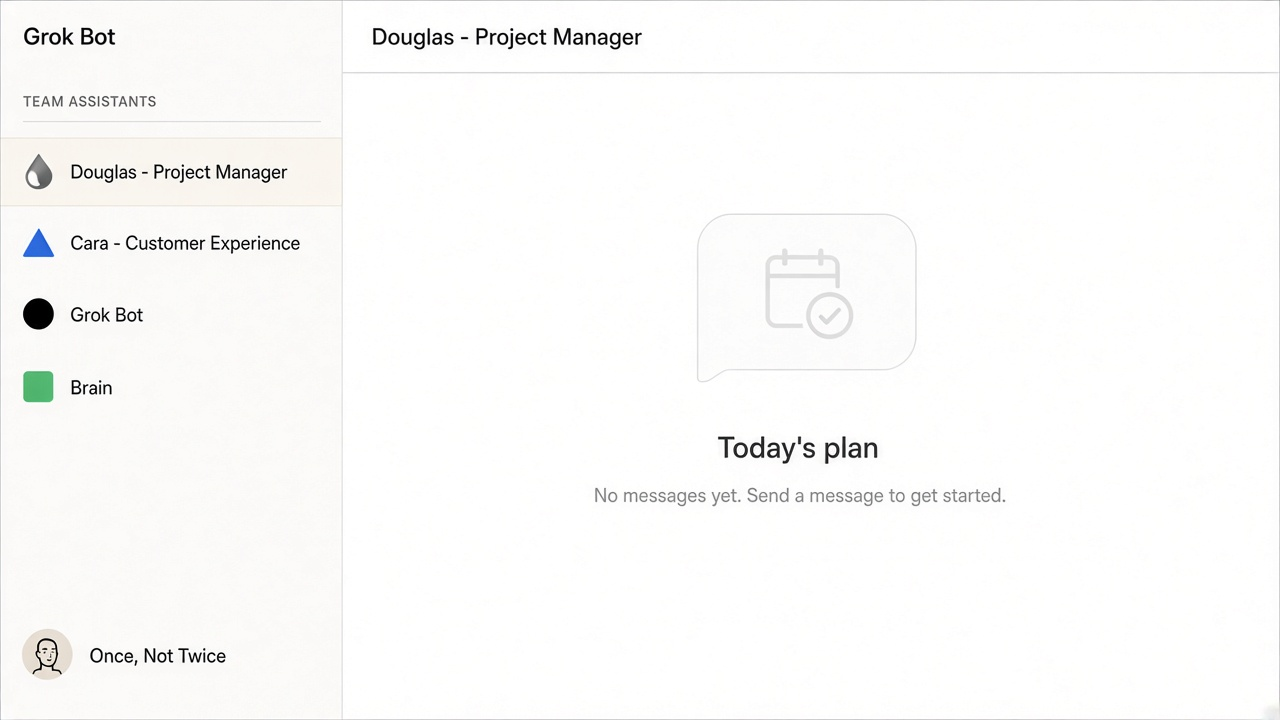
My whole team lived on Grok Bot: marketing, research, search and checks. The ones I talk to every day are brilliant at the big thinking: Douglas, my project manager; Cara, my builder; and Grok Bot itself.
But I realised I was also using them for routine jobs like watching for changes and drafting first versions. That felt like a waste.
So I split the work. The thinkers stay on Grok Bot, where they belong. The watcher and drafting bots moved onto a small PC in the office, the NucBox, running their models locally through Ollama.
Keeping the routine work local clears the decks for the real thinking.
The plan
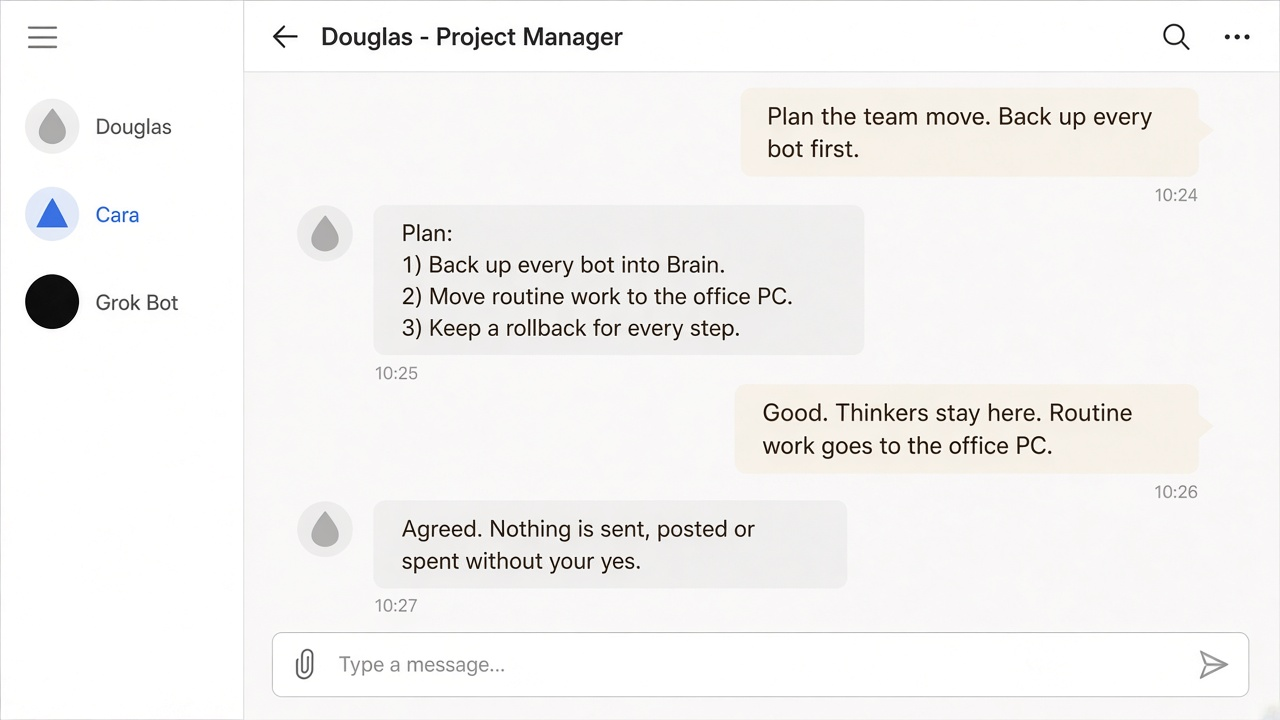
On 2 November I finished the written build plan. Before moving a single thing, every bot was backed up into Brain, our second brain. By 4 November we had 11 backups safely filed.
I set a strict timetable for the NucBox. It runs only one model at a time, so the PC stays more than half free. Each bot has an allowlist of named jobs it may do, and nothing else. Nothing gets sent, posted or spent without my yes.
Finally, every step has a rollback. If anything doesn't look right, we can undo it in under five minutes. It's all about control and peace of mind.
The move
On 4 November we hit the big milestone. Once all 11 backups were safe in Brain, the old bots were cleared off Grok Bot. It feels much tidier now.
Only Cara, Douglas, Grok Bot and a few small utility bots stay on Grok Bot. Cara passes work to the NucBox bots, so there's one clear route for every job.
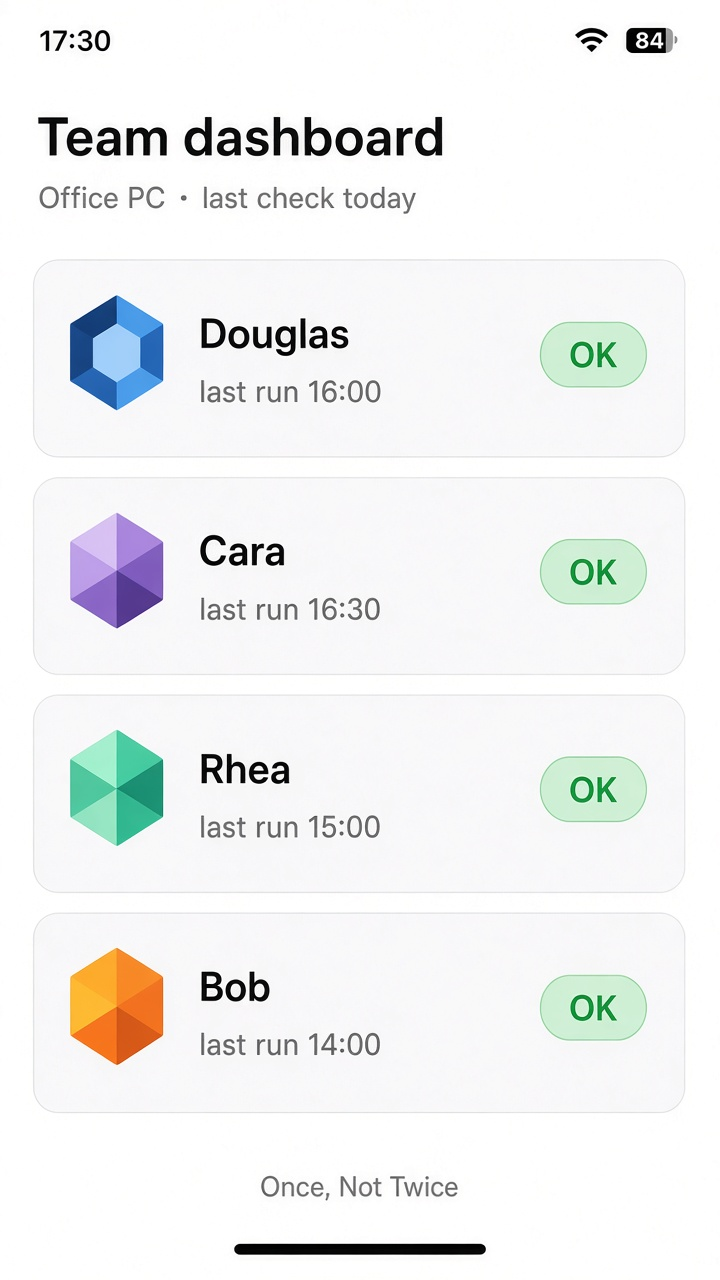
Rhea, our research bot, now lives only on the NucBox.
I also have a new team dashboard I can open on my phone on the office Wi-Fi, which makes checking in really easy.
We tightened up the website too. Site analytics sit behind a simple off switch, and every site change keeps a rollback version, so we never lose our footing.
The skeleton every bot shares
Here's the fun part. Every NucBox bot is built on the same small, reliable Python skeleton. Think of it as one standard engine that powers every bot.
A runner wakes up on a schedule and checks the bot's inbox folder for new jobs. It compares every job against a strict allowlist. If a job isn't on the list, the bot simply refuses it. Once a job is done, the result goes into the bot's outbox and a short summary is filed in Brain.
There's a shared bus, like a board of sticky notes, where bots leave messages for each other. A health job checks each bot is fine.
The models run locally on the NucBox, one at a time, and are cleared out after each call to keep things snappy. If the main model hits a snag, a fallback model takes over automatically.
For the curious, here's the shape of it, simplified:
# runner.py - the loop every NucBox bot shares (simplified)
ALLOWED = {"health", "echo", "draft_content"}   # each bot has its own list

def run_once(bot):
    for job_file in sorted(inbox(bot).glob("*.json")):
        job = read_json(job_file)
        if job["type"] not in ALLOWED:
            result = {"status": "refused", "reason": "not on the allowlist"}
        else:
            result = {"status": "done", "result": do_job(job)}
        write_json(outbox(bot) / job_file.name, result)
        job_file.rename(job_file.with_suffix(".json.done"))
    file_summary_in_brain(bot)        # after every run
    for note in bus.read_for(bot):    # messages from other bots
        log(note)
# model.py - local first, with a fallback (simplified)
OLLAMA = "http://localhost:11434"     # the only host it may call

def ask(prompt):
    with model_lock():                  # one model at a time
        for model in (MAIN_MODEL, FALLBACK_MODEL):
            try:
                return ollama_generate(OLLAMA, model, prompt, keep_alive=0)
            except ModelError:
                continue
    raise ModelError("both models failed - nothing is written")
schedule ──▶ runner ──▶ inbox/  ──▶ allowlist? ──no──▶ refused
                                       │ yes
                                       ▼
                      job ──▶ local model (fallback if needed)
                                       ▼
                     outbox/ ──▶ summary filed in Brain
                     bus ◀──▶ messages between bots
What this means for your small business
Here's the bit that matters for you. If you run a small business, repeating the same tasks over and over is a massive drain on your time.
I use the same simple pattern for my own team as I do for every client. First, we write down exactly what needs to happen. We back everything up. Then your assistants take on small, specific jobs that usually clutter your to-do list.
You stay in charge. A person always says yes before anything goes out, and a rollback is ready in case you need to undo a change.
The goal is simple: the work is done once, not twice. Setups start from £150.
If you're ready to stop repeating yourself, I'd love to have a chat.
WhatsApp me what you type twiceOr call 07356 274625